brim.
Download for Windows

Make yourself at home.

A FRESH PERSPECTIVE ON CS2

Your game.
Your way.

Less friction. More you.
Meet Brim — a considered interface for your CS2 setup, with the details in your hands.

Windows 10 / 11v0.6.3 · stable
THE BRIM EXPERIENCE01 — A CLOSER LOOK
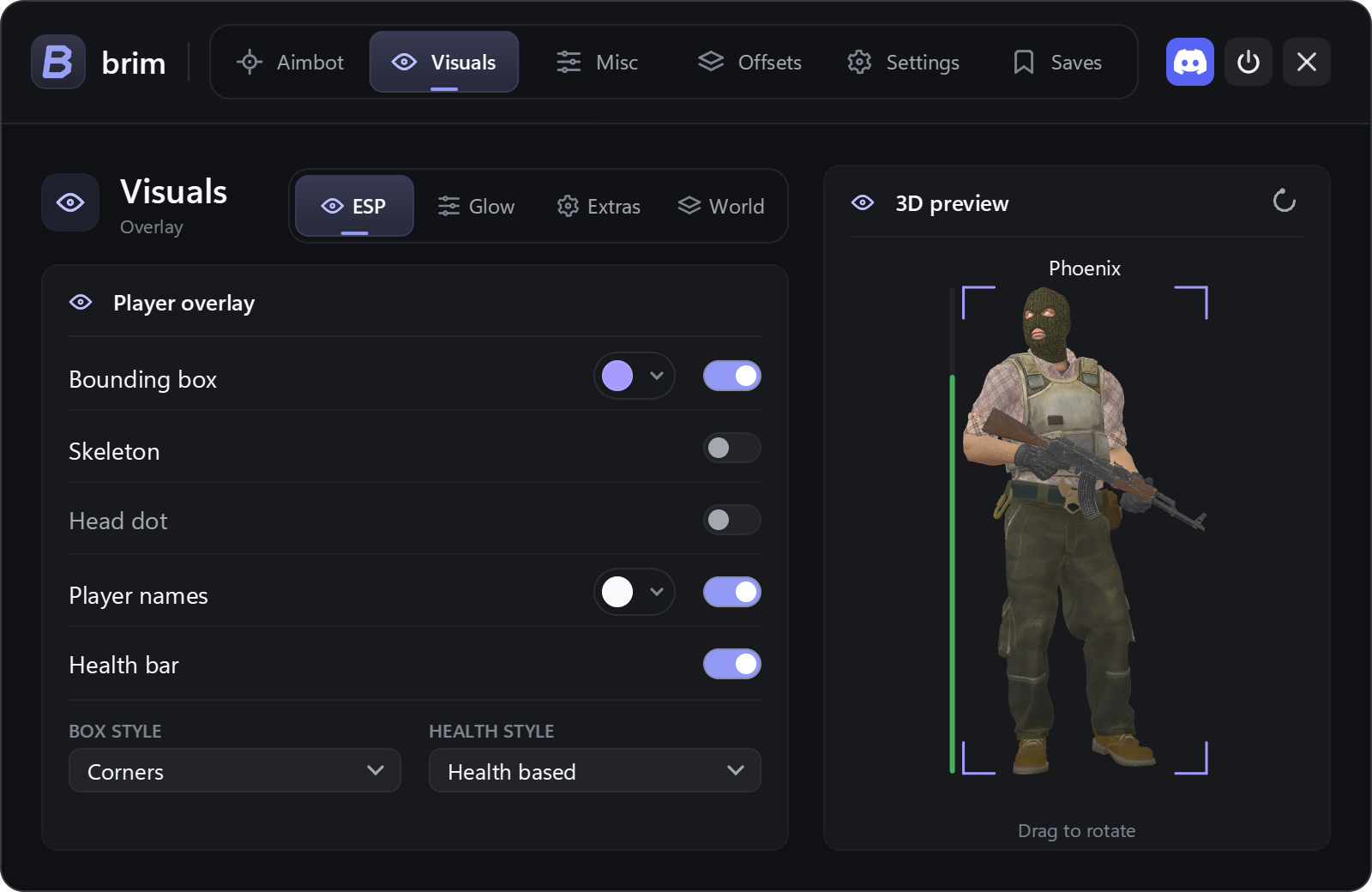
Brim Visuals menu with individual overlay controls and a 3D character preview.Take a closer look
Actual application interface
Make it yours.Right down to the details.
Customizable visualsLocal profilesYour colors, your styleA community behind you
01THE EXPERIENCE

A little more control.
A lot more you.

Explore the real interface.
Thoughtful controls. Room to make it your own.

Actual product
Brim Visuals menu with individual overlay controls and a 3D character preview.
Visuals — individual controls, one clear view.01 / 03
02IN THE DETAILS

Small touches.
Your style.

Your setup should feel personal.
Start with the things you see every day.

A color for every detail.

Fine-tune individual colors and health-bar styles. See your changes come together in the 3D preview.
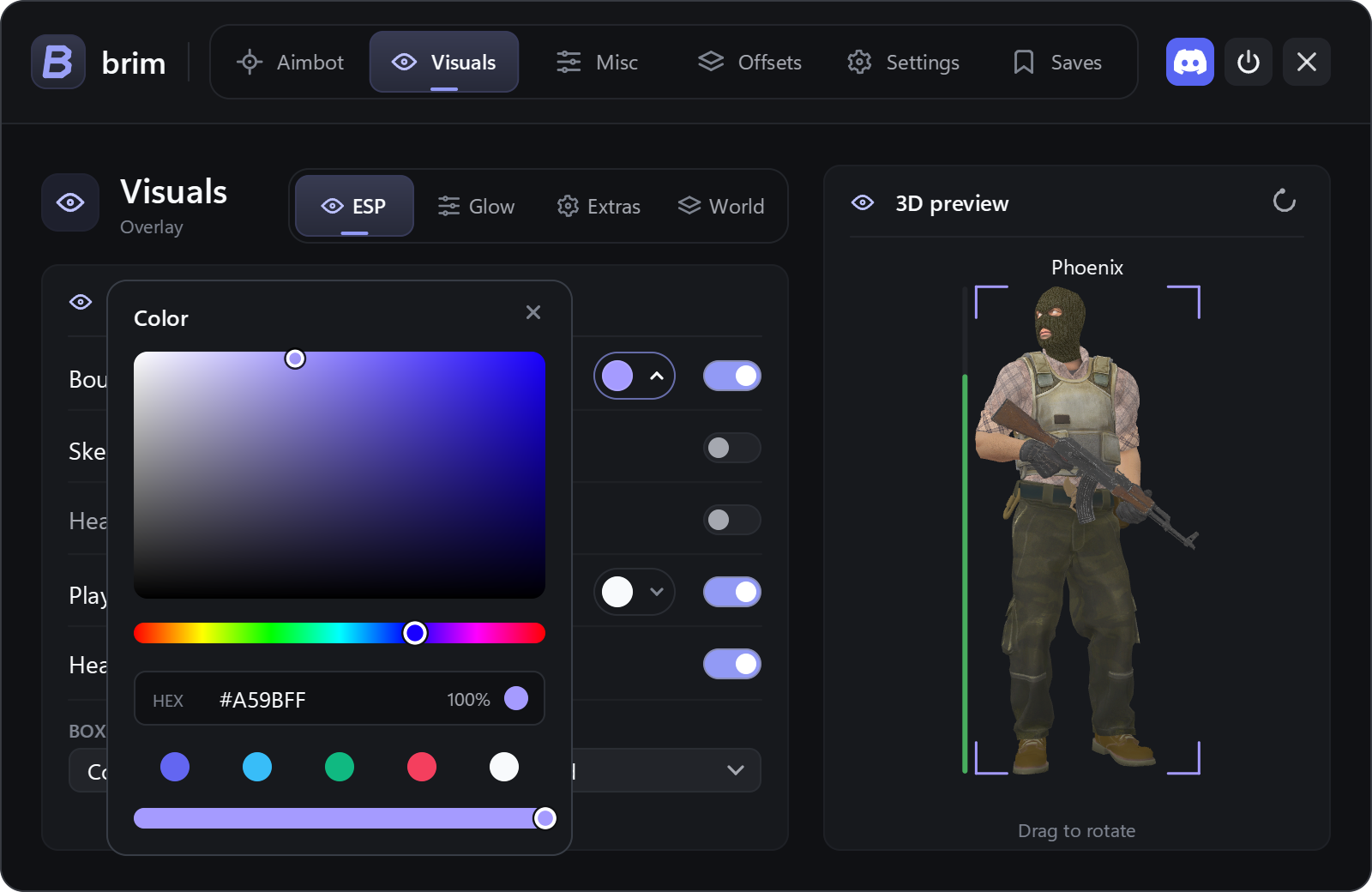
Detail of Brim’s color palette, hue and opacity controls.
A shade that feels like you.
03A SIMPLE START

Less between you
and getting started.

A focused loader. A clear way in.
Open Brim, launch, and make your setup yours.

  1. 01
    Get the latest release.

    A small loader for Windows.

  2. 02
    Open the loader.

    The loader gets the files ready for you.

  3. 03
    Make yourself at home.

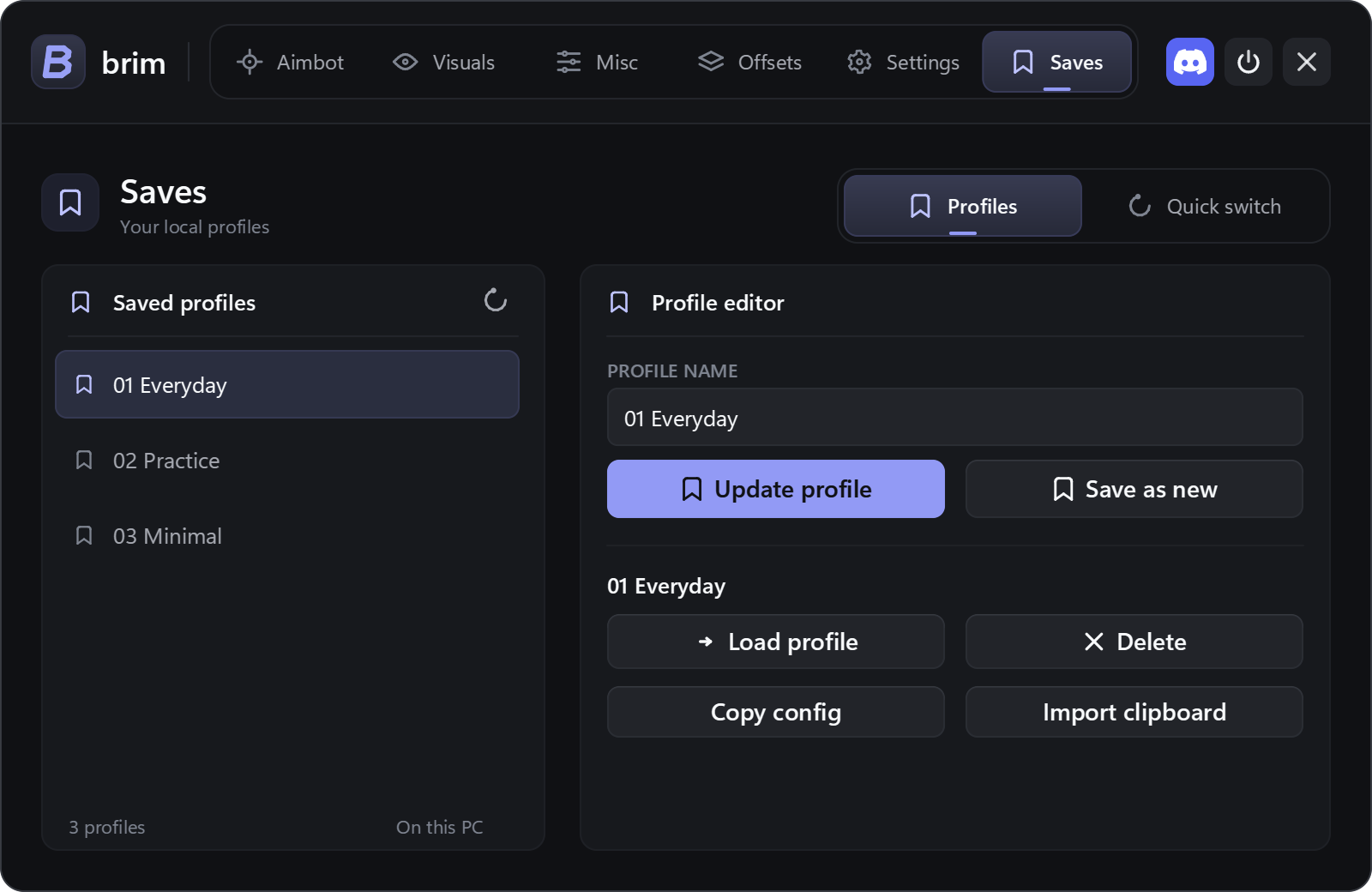
    Start fresh or load a saved profile.

Get started with Brim
BRIM / LAUNCHERBrim Loader, with a clear Launch button and developer credit drovy_dev.
ONE CLEAR WAY IN
FRESH FROM BRIMBrim 0.6.3 — Smoother overlay performance
GOOD COMPANY. BETTER SETUPS.

You’re in good company.

Share your setup, follow what’s new, or get a hand from the Brim team. There’s a place for you here.

Join the community
Optional usage statistics. Your choice.Our approach to privacy